
How it works
One shift, from the phone in a support worker’s pocket
Documentation software lives or dies on one question, and it is not whether managers like the reports. It is whether the support worker alone in the house at 2am finds it faster than the binder. So here is the shift, in order.
Open the shift
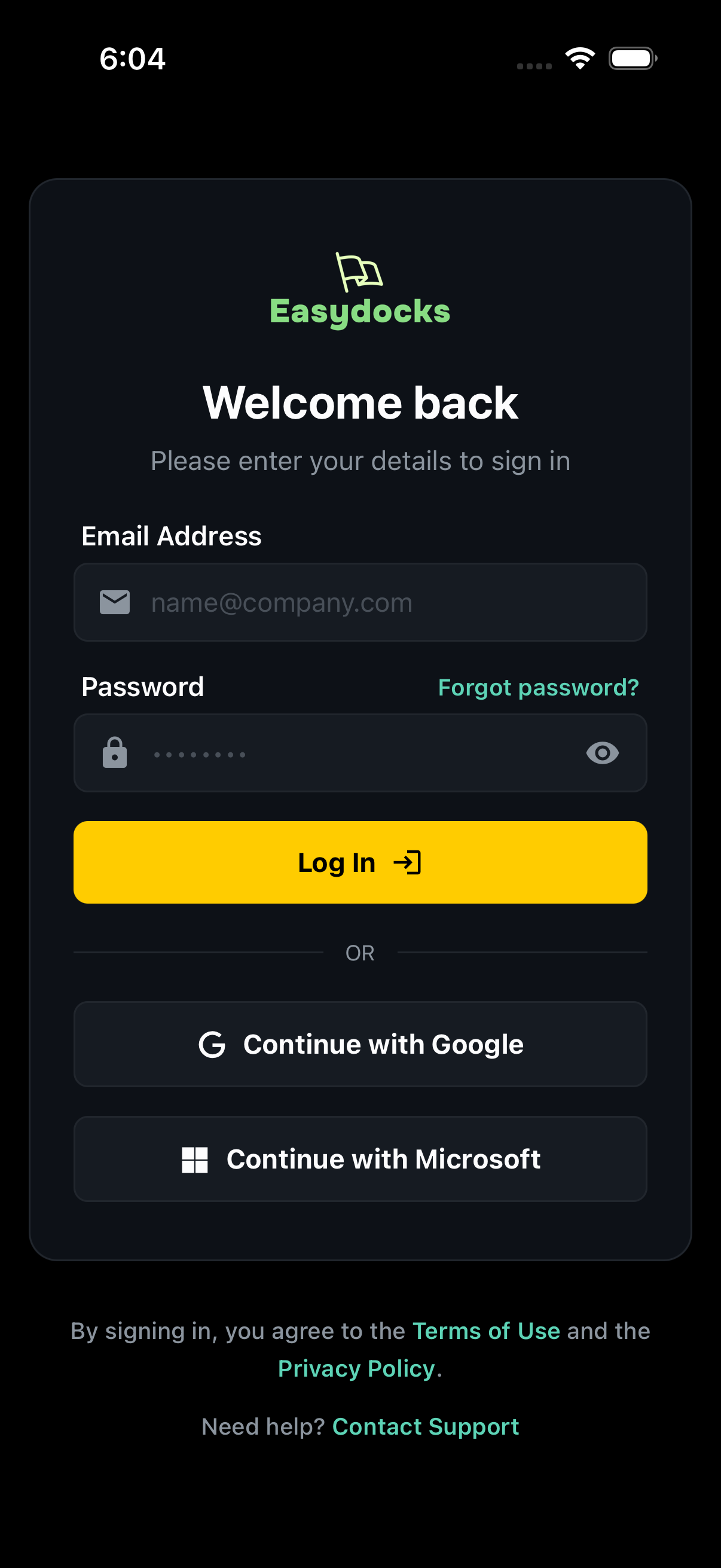
A support worker signs in on their own phone, with a work email and password or a work Google or Microsoft account. What comes up is one house: the one they are rostered to, the residents in it, and the tasks already set for that shift. Another house never appears, because nothing from another house is ever sent to that phone.
 Sample data
Signing in at the start of a shift. Write the log while it is fresh
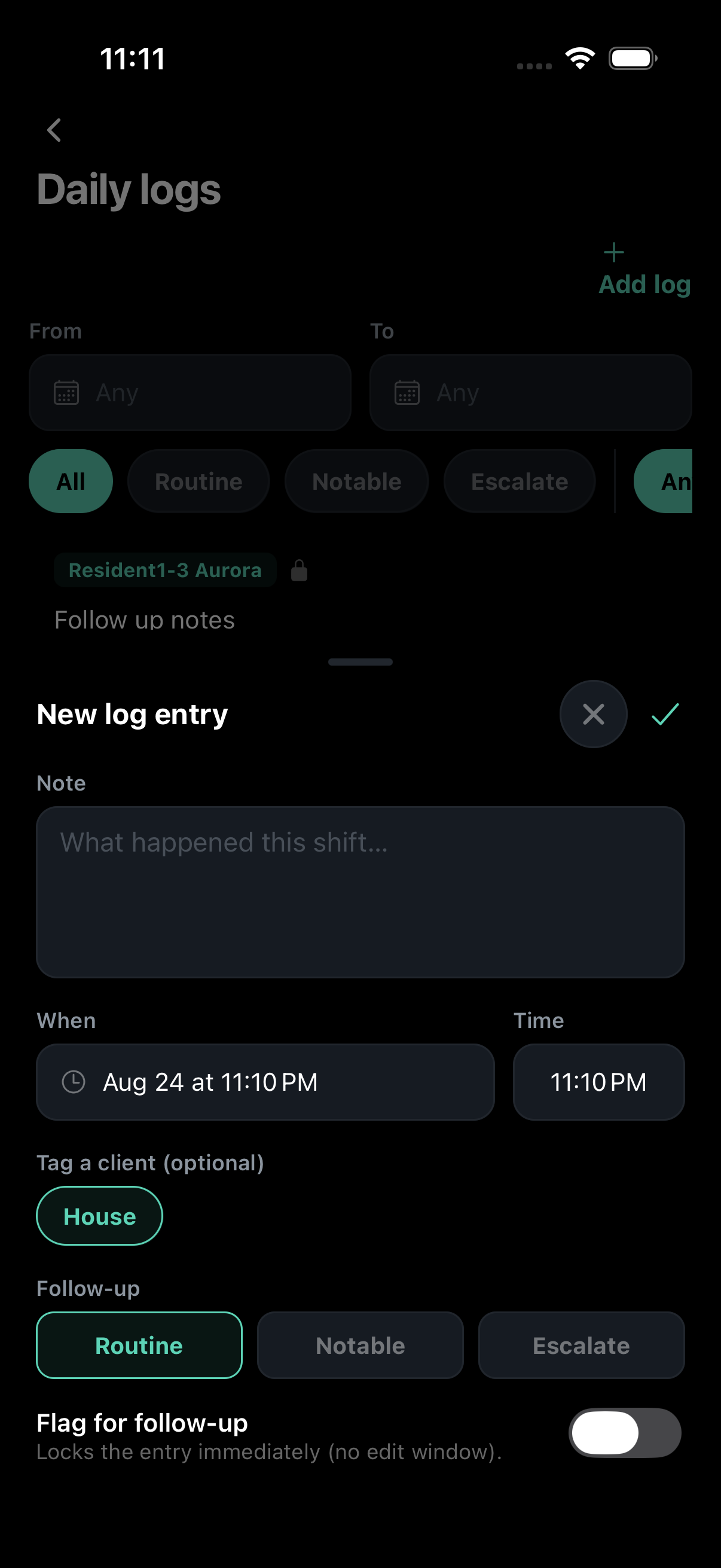
The log gets written on the phone while the shift is still running, against a resident or against the house, and it stays attached to the shift it was written in. A typo can be fixed for the first fifteen minutes, which covers the worker who types 14:00 when they meant 16:00. After that, a change is saved as a correction with a reason attached, and what was written first stays readable underneath.
 Sample data
Writing a log entry during the shift. Count the envelope, photograph the receipt
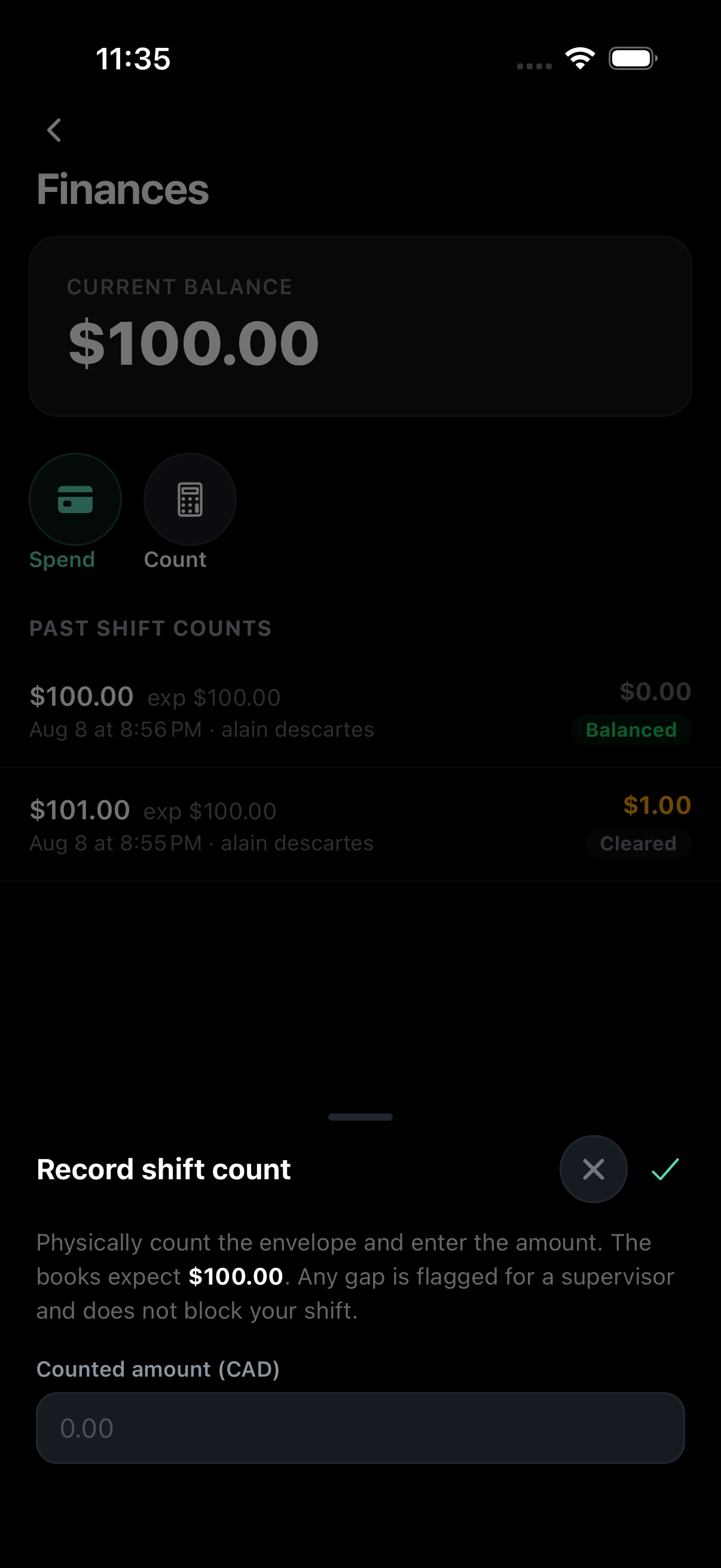
Each resident has their own envelope. The worker on duty counts it and records a spend or a deposit with a photo of the receipt. Nothing already entered can be changed, so months later you read the entries from the first one down and watch the balance arrive where it is. If a count comes up short it is flagged for a supervisor, and the person who did the counting is not the person who can sign it off.
 Sample data
Counting the envelope at the end of a shift. Know the next shift before you leave
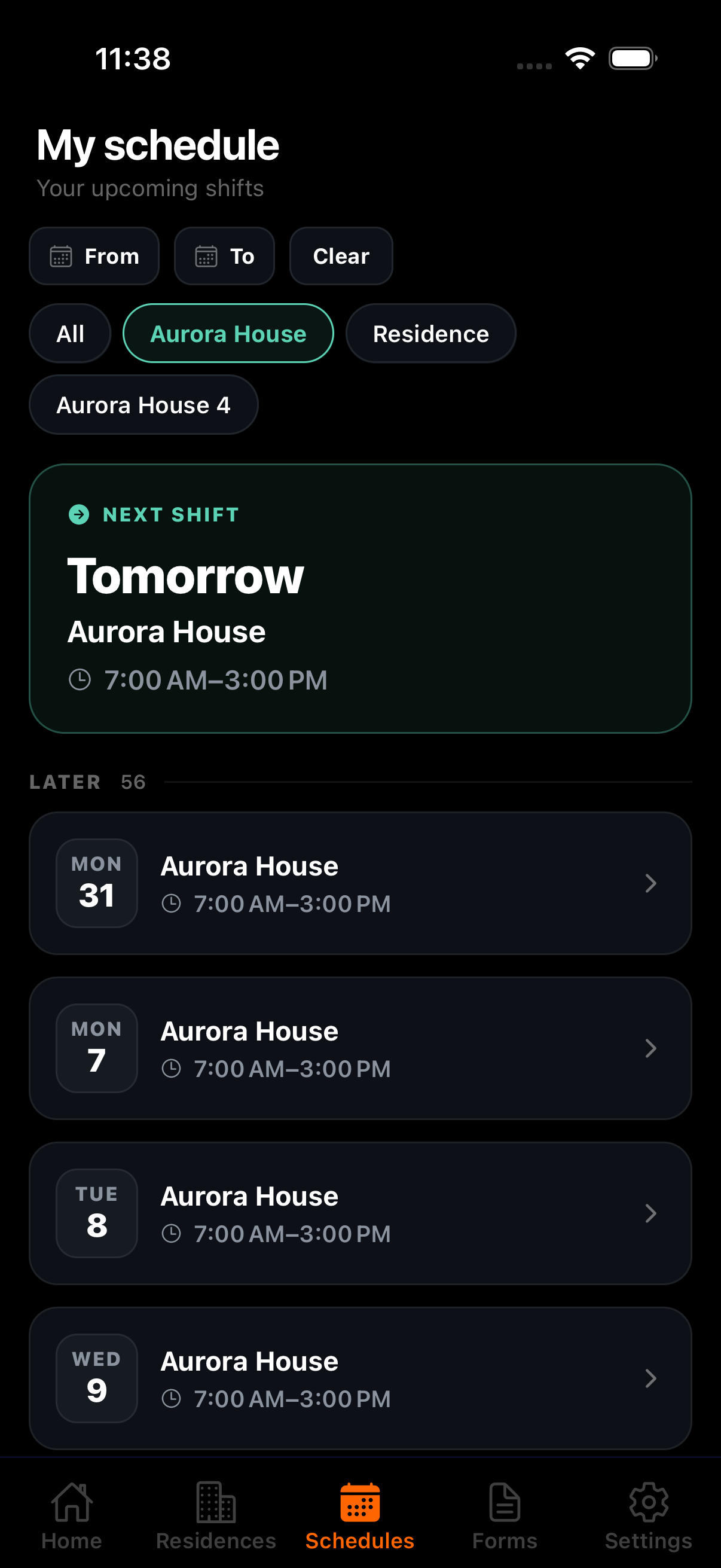
The handover is already written, because it was written while the shift ran. What is left is tomorrow. Every worker carries their own schedule on the same phone: the next shift at the top, the rest of the rotation under it, narrowed to one house when that is all they want to see. A casual picking up an extra shift claims it there, and the house they claimed it at is the house they see when they sign in.
 Sample data
The next shift, already on the phone.
The same day, from the laptop
While that shift is running there is nothing sitting in a house waiting to be picked up. What has been written so far is what you read, from wherever you are. A house manager sees the houses they run. Seeing the whole organization takes an administrator account, which somebody has to be given on purpose. Nobody has it by default.
When the shift ends the handover is already written, out of what the worker recorded while they were there. A typo fixed in the first fifteen minutes just reads as written. A change made later carries the reason it was made, with the earlier wording still underneath it, so a correction never has to look like a cover-up. An envelope that came up short is already sitting there, waiting on a sign-off the person who counted it cannot give.
The morning after an incident the report is already there, written at the time by the person who was in the room. Easydocks puts a deadline on it, 24 hours from the incident. If that deadline goes by with nothing from a manager attached to it, the managers and supervisors for that house get told. The report is due to Persons with Developmental Disabilities (PDD), and the notice says only that much. It names no resident, because naming one is not what gets somebody to open it.
Your part is the manager review section: the notification log to complete and sign off, plus any questions your organization added to it from the settings screen. What you fill in is copied onto the finished report and stays there. Add a question next quarter and what you filed this week still reads the way you filed it.
When the shift does not go to plan
Before anybody types a word about what happened, the app asks one question: is someone suspected of having harmed this resident? It is not asking how serious it was. It is deciding which of two records to open.
No opens a Critical Incident Report (CIR). The worker writes it in the three parts a reviewer expects, the A-B-C: what was happening before, what the person did, how safety was restored. All three are required, so none of them get skipped at 4am, and Easydocks puts a deadline on the report, 24 hours from the incident. Once it is sent, the worker who filed it cannot open it again or read it back. A correction is a new report, and a manager completes the notification log and signs off.
Yes opens the Abuse Protection and Response Process (APRP) instead. Separate record, separate file, separate list of who can open it, so what the allegation says never turns up in an incident report and the person it names never reads it. After the worker sends it, the screen shows the PPC line and 911, and says plainly that saving the record is not the same as making the report.
Managers pick both up on a laptop, alongside rostering, open shifts, and the organization-wide view. What each of those records can and cannot do.
Easier to watch than to read about
A demo runs this same shift against the way your houses actually operate, with your rotation, your residents, and your review process.